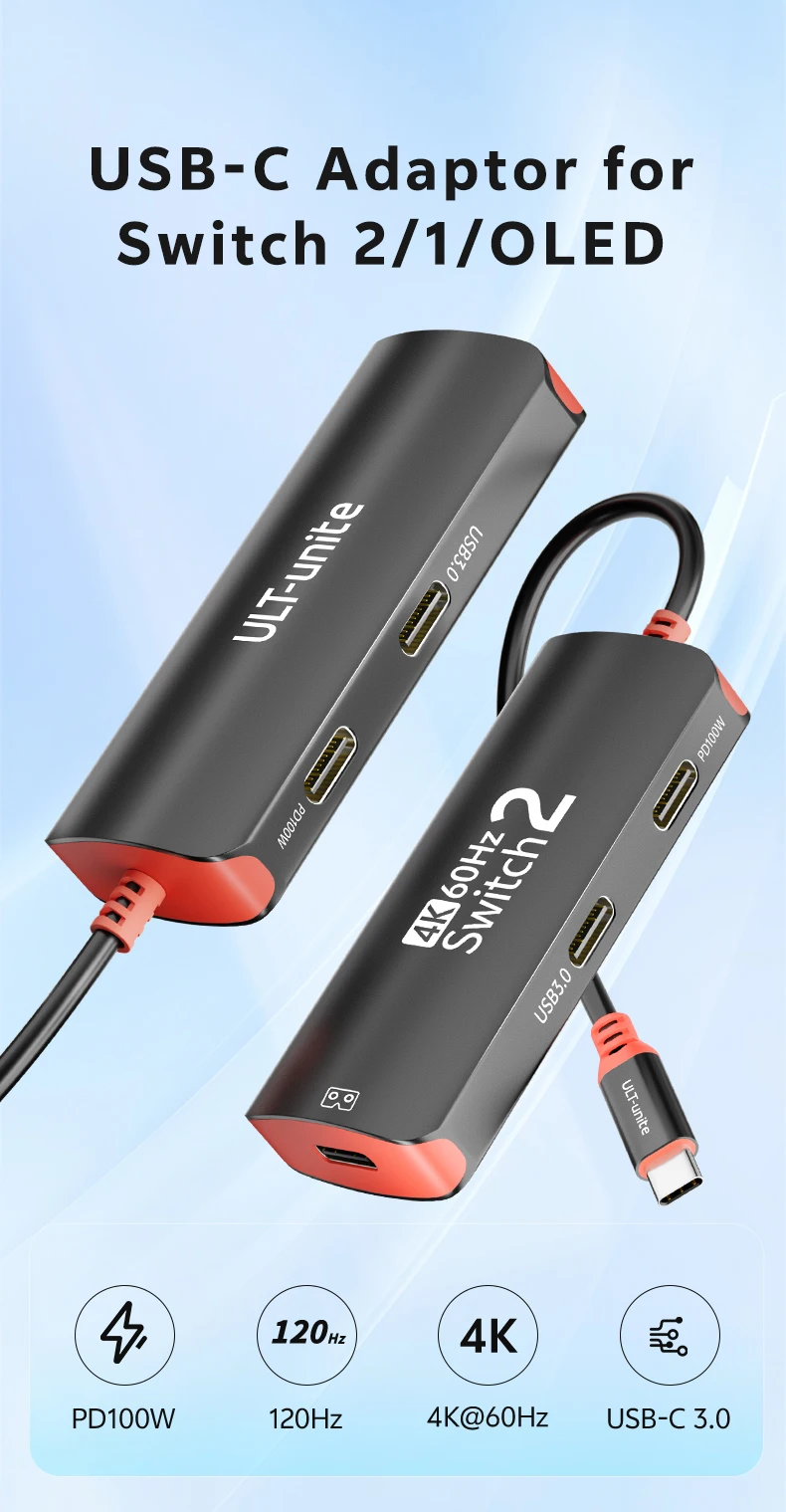
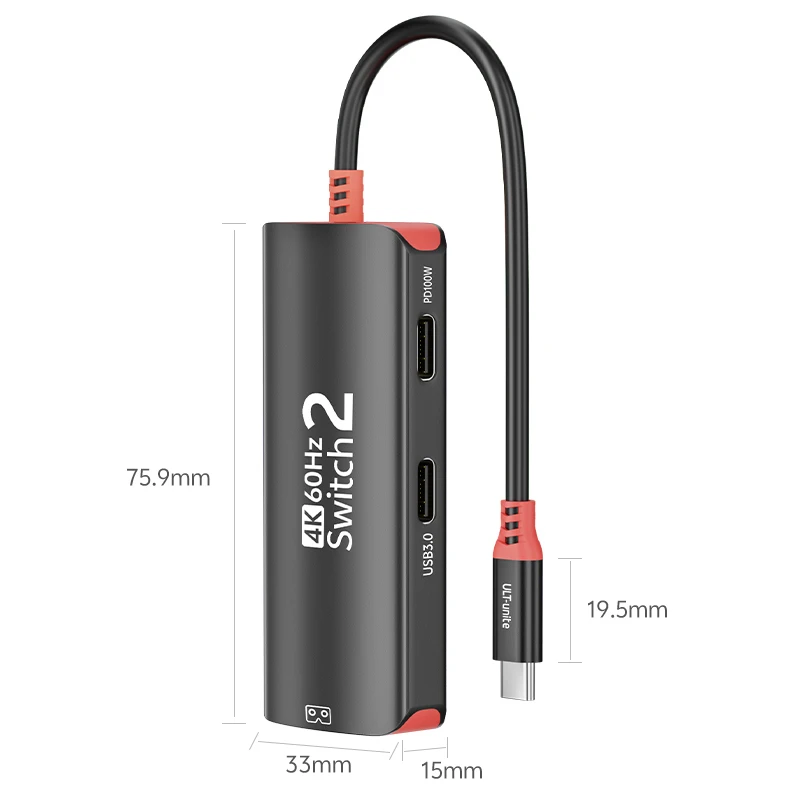
4K60hz USB-C Hub for Switch 2/Oled 2K120Hz Type-C AR Glasses Adapter 10Gbps 100W Docking Station for IPhone18 Steam Deck Laptop
4K60hz USB-C Hub for Switch 2/Oled 2K120Hz Type-C AR Glasses Adapter 10Gbps 100W Docking Station for IPhone18 Steam Deck Laptop
🎁 Buy NOW & Get 15% OFF your next order
Couldn't load pickup availability
🚚 Free & Fast Delivery
↩️ 30-Day Return Period
🛡️ 1-Year Warranty
💳 Safe and Secure Payment
4K60hz USB-C Hub for Switch 2/Oled 2K120Hz Type-C AR Glasses Adapter 10Gbps 100W Docking Station for Steam Deck Laptop iPhone18
*****Important Information Before Purchase
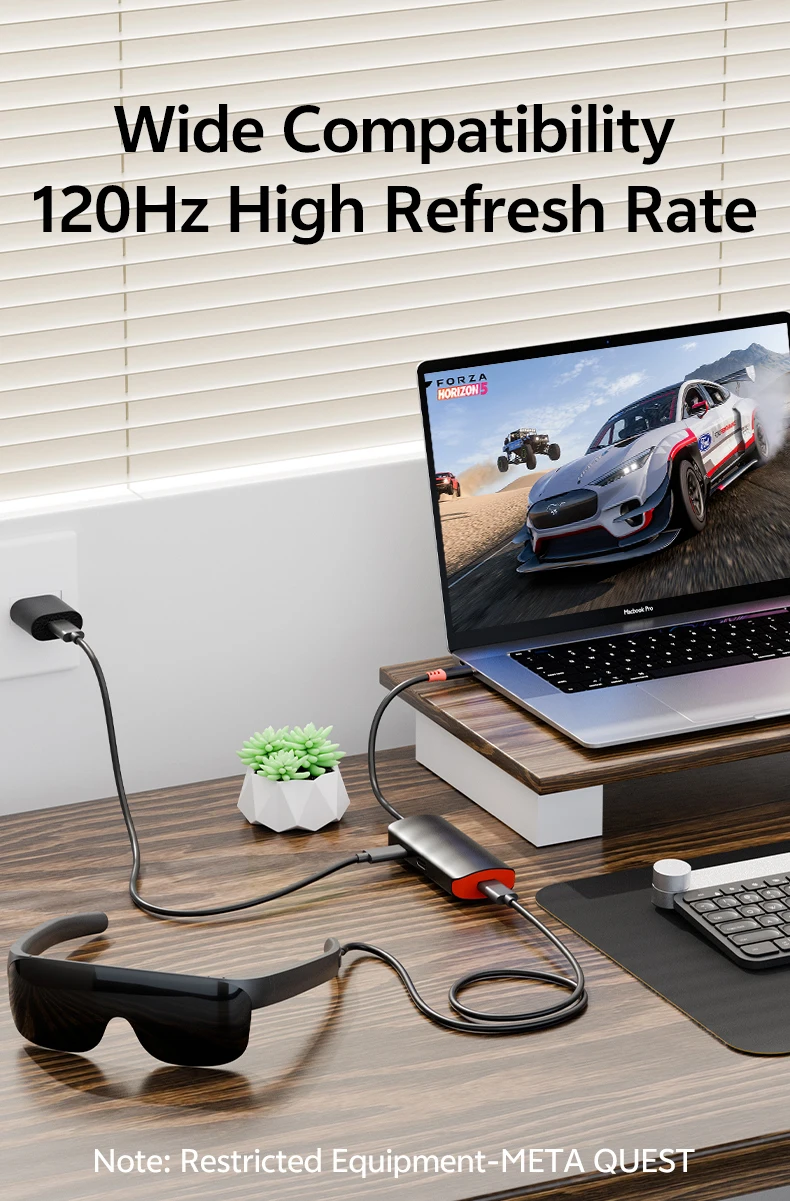
1.NOT SUPPORT FOR SWITCH LITE, Viture Beast glasses.
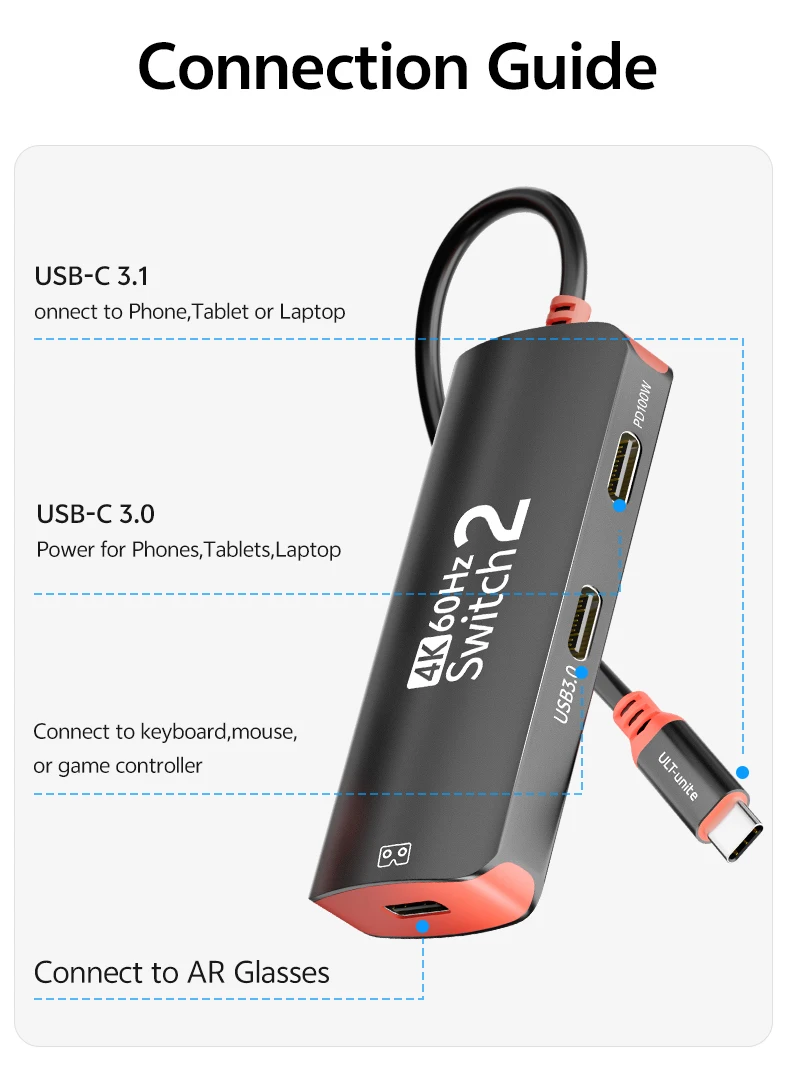
2.Please make sure that the USB-C port of the input device supports audio and video transmission, otherwise this product cannot be used.
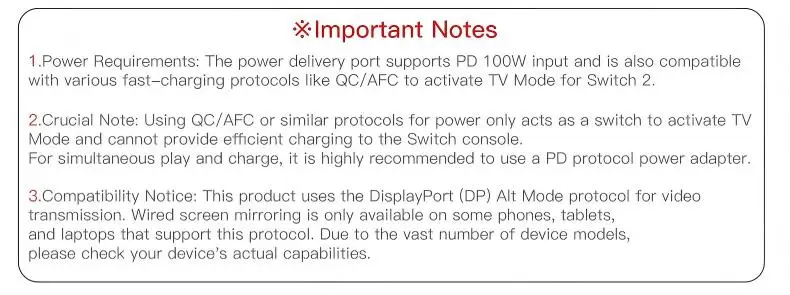
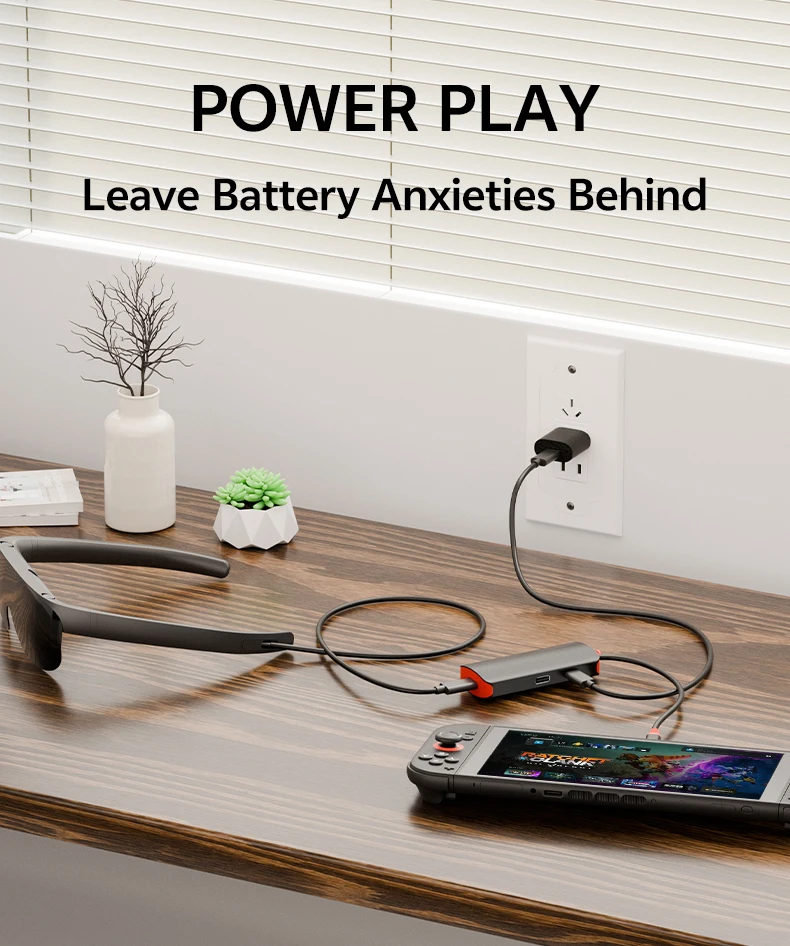
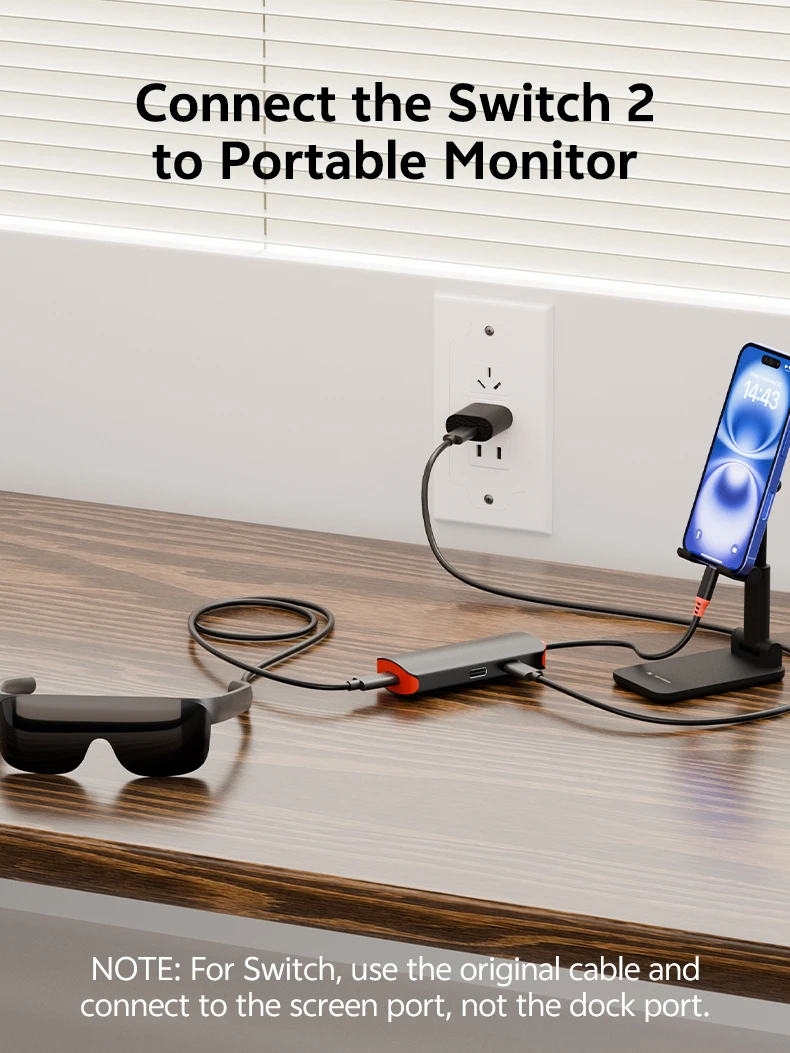
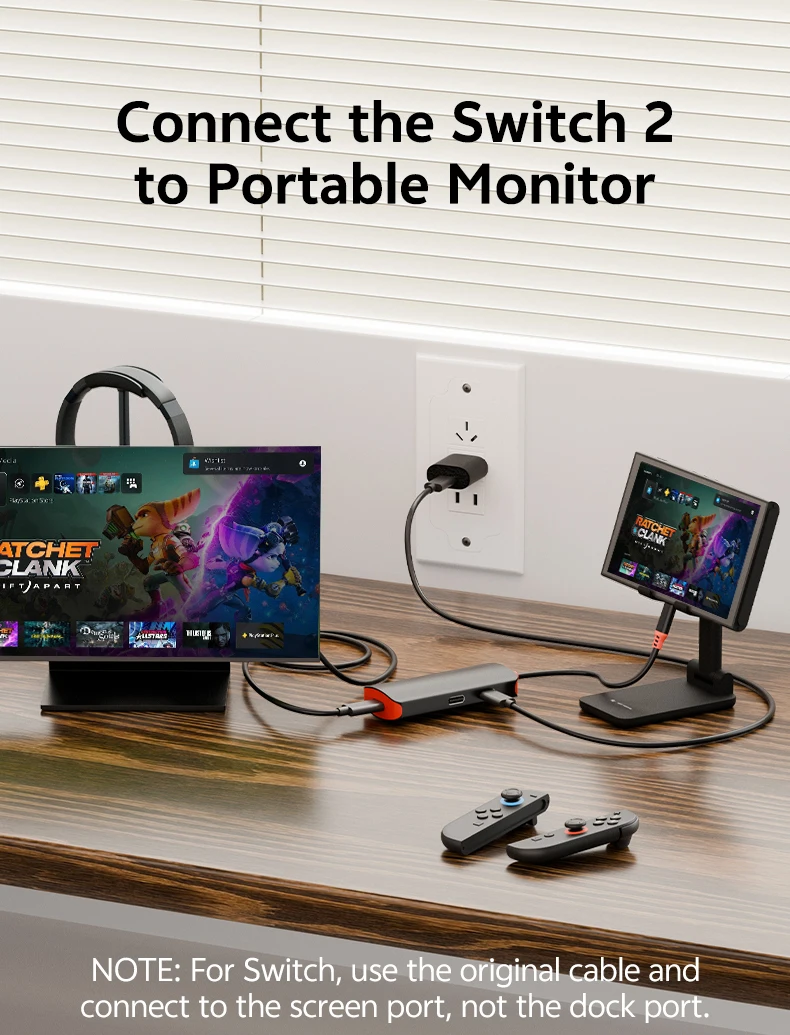
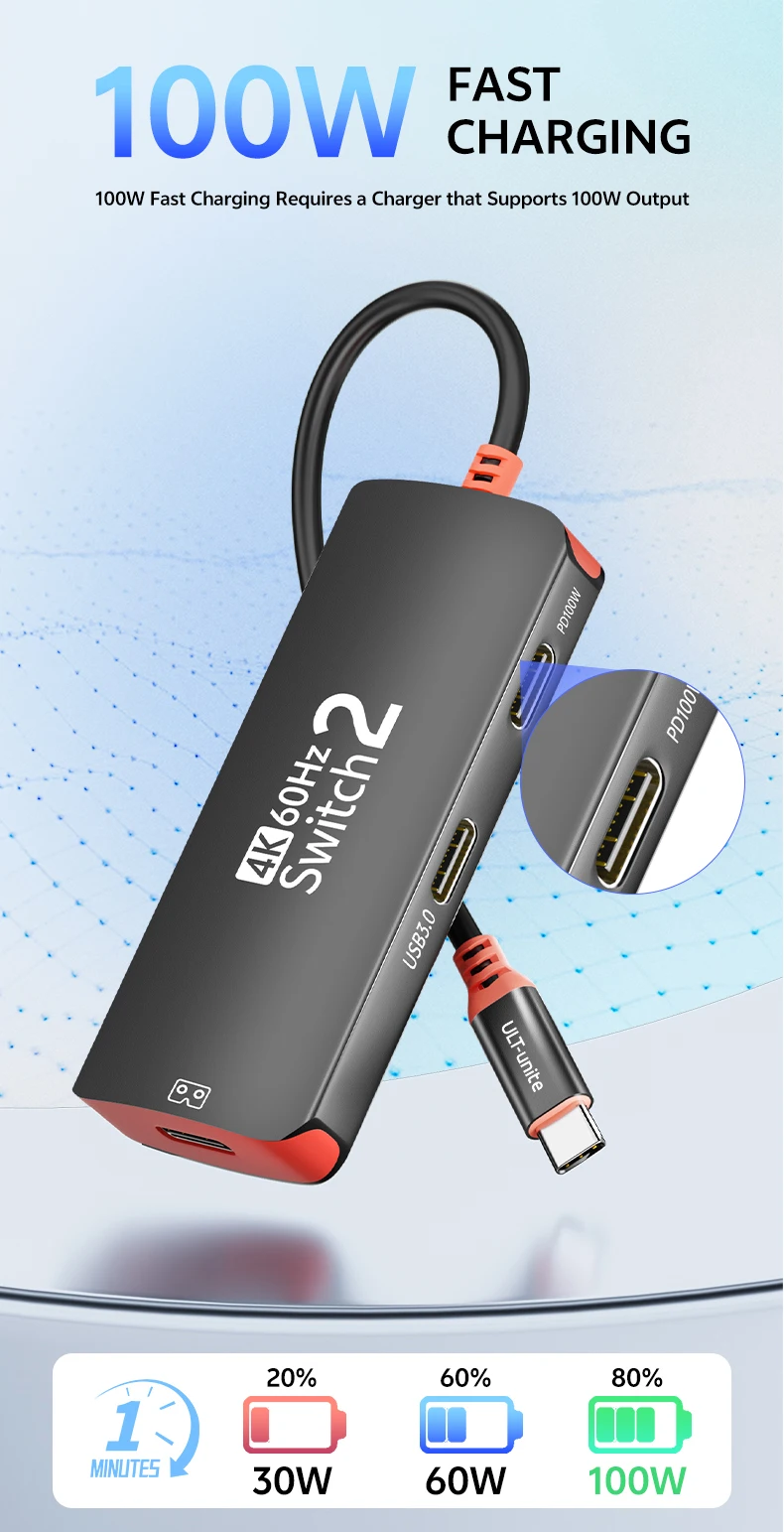
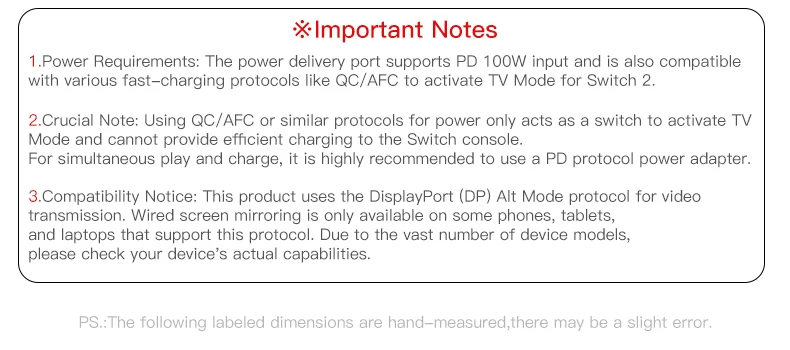
3.Power Requirements: The power delivery port supports PD 100W input and is also compatible with various fast-charging protocols like QC/AFC to activate TV Mode for Switch 2.
4. Using QC/AFC or similar protocols for power only acts as a switch to activate TV Mode and cannot provide efficient charging to the Switch console. For simultaneous play and charge, it is highly recommended to use a PD protocol power adapter.
5.Compatibility Notice: This product uses the DisplayPort (DP) Alt Mode protocol for video transmission. Wired screen mirroring is only available on some phones, tablets, and laptops that support this protocol. Due to the vast number of device models, please check your device's actual capabilities.
If the “XREAL One” has no audio or video output:
1. Double-click the “X” button to enter Settings mode, then click the “-” button to enter Audio mode, select Audio Protocol, and finally click the General button to confirm your selection of “DP Mode.”
2. For HDMI output device audio: Select XREAL One.
3. The only connection method not supported is “XREAL One + LIVIN Adapter + Nintendo Switch” (plug in the power first, then connect the display).
If there is no sound from the XReal One, switch the audio output from UAC to DP.